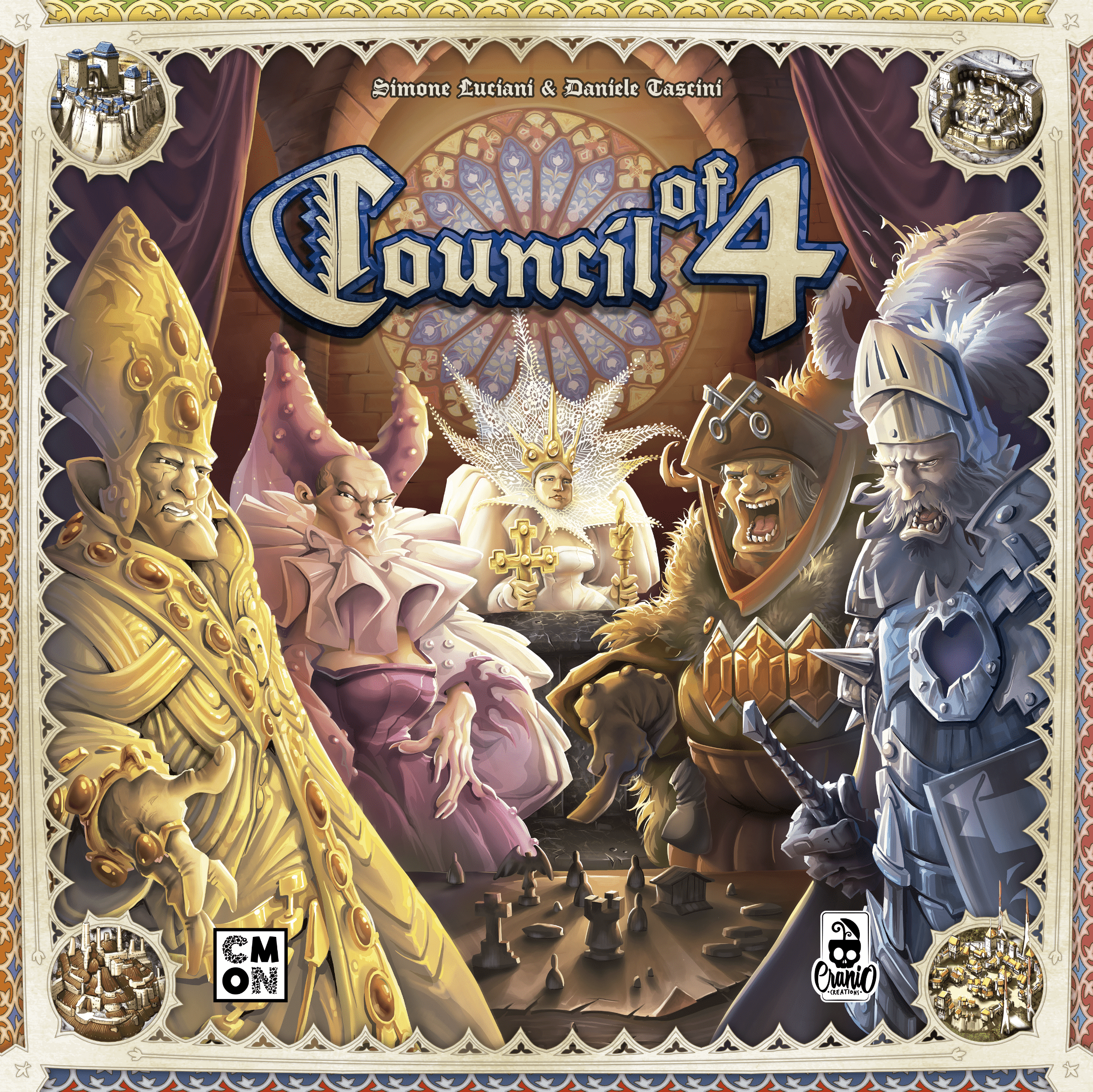
Consiglio dei 4
The Empire, formed by three Kingdoms, lives in an era of wealth and prosperity. Each Kingdom is governed by a council of four nobles. The members of six influential families sit around in the councils and lead the Kingdoms. The players hold the roles of rich merchants who seek to obtain permits to build their own Emporium inside the cities of the three Kingdoms. Whoever takes more permits, while also opening their Emporium in the best place, will be the most famous merchant and will win the game. But pay attention to the Emperor! He can be your ally and allow you to build without permits! On a turn, a player can perform different actions: - The main action is to corrupt a council, which is represented by a slide with four pawns representing four nobles. By corrupting the three councilors of the three Kingdoms, the player gets permit cards that give various instant and endgame benefits, and the possibility to build an Emporium in a specific city. - Another action is to play a permission card to build an Emporium. Each Emporium earns the player the special benefits of the space where it's built, but also activates all connected emporiums in a chain effect. - Corrupt the Emperor’s council to allow a player to build Emporiums without permission cards. - Players can change the composition of a council. There are many different ways to earn points: - Build a connected Emporium in the cities that award points. - Build your emporium in all the cities of an area of the board: the faster you complete the area, the more points you earn. - Move up on the nobility’s track. Obtain permits that give points. Moreover, the board is modular and has eight possible combinations.
Meccaniche di Gioco
Statistiche
Tornei Attivi
Nessun torneo in programma
Torna più tardi per scoprire nuovi eventi!
Gathering Attivi
Nessun gathering con questo gioco
Scopri i gathering nella tua zona!
Meccaniche di Gioco
Dettagli Gioco
Puoi tenere Time For Boardgames sulla schermata Home senza scaricare niente.
In Safari tocca Condividi e poi Aggiungi a Home. La prima volta potrebbe chiederti di rientrare con il tuo account.
Un tocco e l'icona è sulla Home: nessuno store, nessuno spazio da liberare. Dal menu ⋮ di Chrome scegli Aggiungi a schermata Home.
Dal menu del browser scegli Aggiungi a schermata Home.