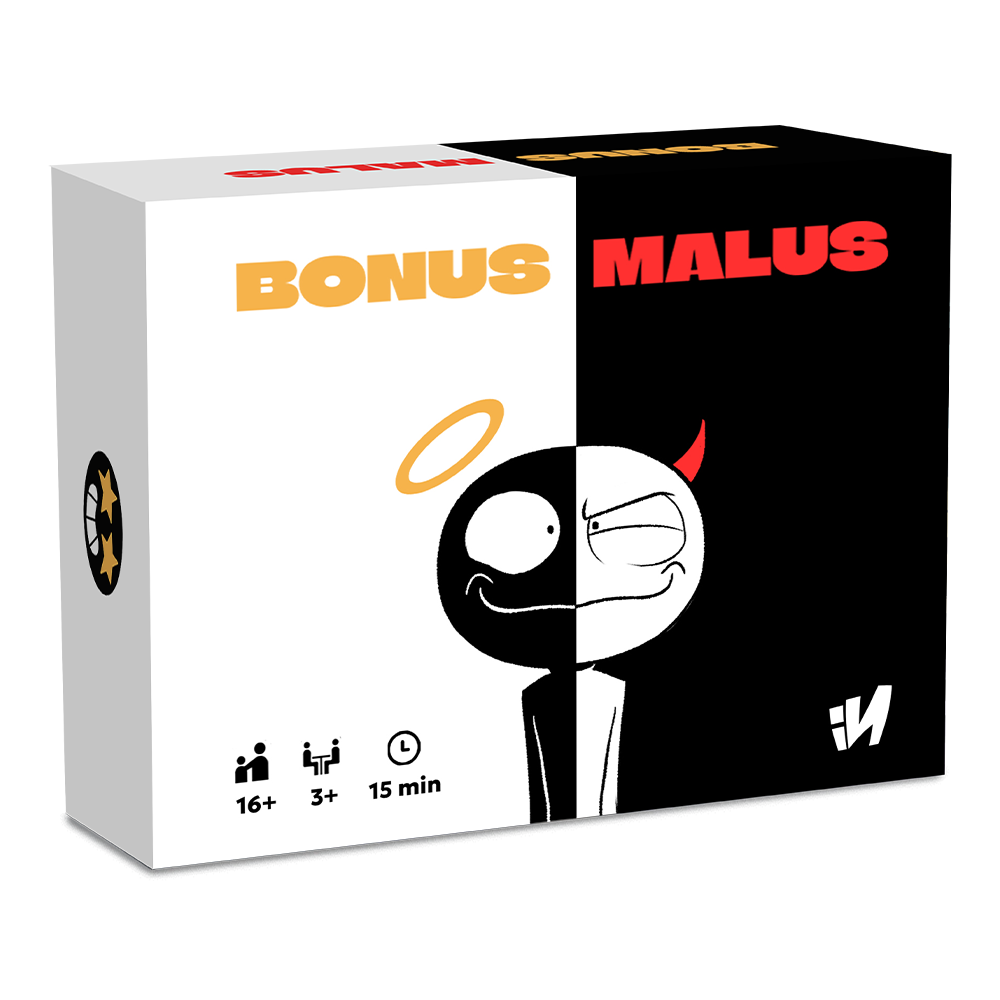
Bonus Malus
Passeggiando nel chiostro di un convento, monaci e monache gareggiano in atti di «gentilezza». L'importante non è superare, ma lasciar passare gli altri: vince chi alla fine della partita si trova all'ultimo posto.
Descrizione Dettagliata
The cloister consists of 16 spaces (12 cloister cards + 4 corners). Good people move clockwise. The good person at the head of the group is considered to be in first place, while the good person at the tail of the group is considered to be in last place. Only one good person can stand on each cloister card. If the cloister card of arrival is already occupied, the good person stops at the previous free cloister card. If all the cloister cards to be travelled are occupied, the good person does not move. When a good person arrives in a corner, they must stop, regardless of the value of their movement. Unlike cloister cards, there is no occupancy limit in corners, which can accommodate all good people at the same time. The good person who is in first place at the start of their movement moves one space fewer. Starting with the first player and then continuing clockwise, the active player chooses a movement card from their hand, places it face up in the middle of the cloister and moves the corresponding good person (so, sometimes, even the good person of another player). The colour of the movement card determines which good person to move, and the value indicates the number of spaces to move. The movement card with the value “?” moves the good person of the colour indicated on the card and copies the value of the previously played movement. When all players have played all the cards in their hand, the game ends. The player in last place is the winner.
Meccaniche di Gioco
Statistiche
Tornei Attivi
Nessun torneo in programma
Torna più tardi per scoprire nuovi eventi!
Gathering Attivi
Nessun gathering con questo gioco
Scopri i gathering nella tua zona!
Meccaniche di Gioco
Dettagli Gioco
Puoi tenere Time For Boardgames sulla schermata Home senza scaricare niente.
In Safari tocca Condividi e poi Aggiungi a Home. La prima volta potrebbe chiederti di rientrare con il tuo account.
Un tocco e l'icona è sulla Home: nessuno store, nessuno spazio da liberare. Dal menu ⋮ di Chrome scegli Aggiungi a schermata Home.
Dal menu del browser scegli Aggiungi a schermata Home.